
I often run a large number of USB devices on my lab bench—tablets, mobile phones, and various microcontroller projects. I also use a mix of USB-A and USB-C connections. Some older devices don’t behave correctly on USB-C ports due to misconfiguration, so having both types available is important.
All of these devices are relatively low power (under 20 W each), which makes high-cost, high-output chargers unnecessary. What I care about most is the sheer number of available ports.
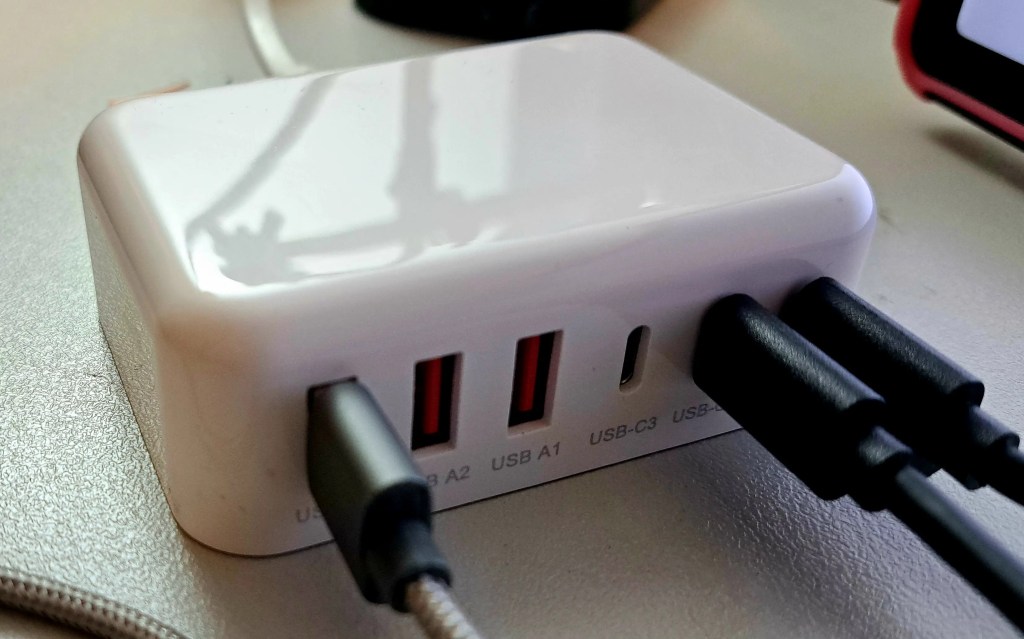
Recently, I purchased a six-port USB charger from Amazon, and I’ve been impressed enough to share it. At only $24, it’s excellent value for a charger with this many non-shared outputs.
It’s actually the only charger under $25 that I’ve bought that hasn’t sucked in some way. This one seems to simply deliver exactly what was advertised with no frills.
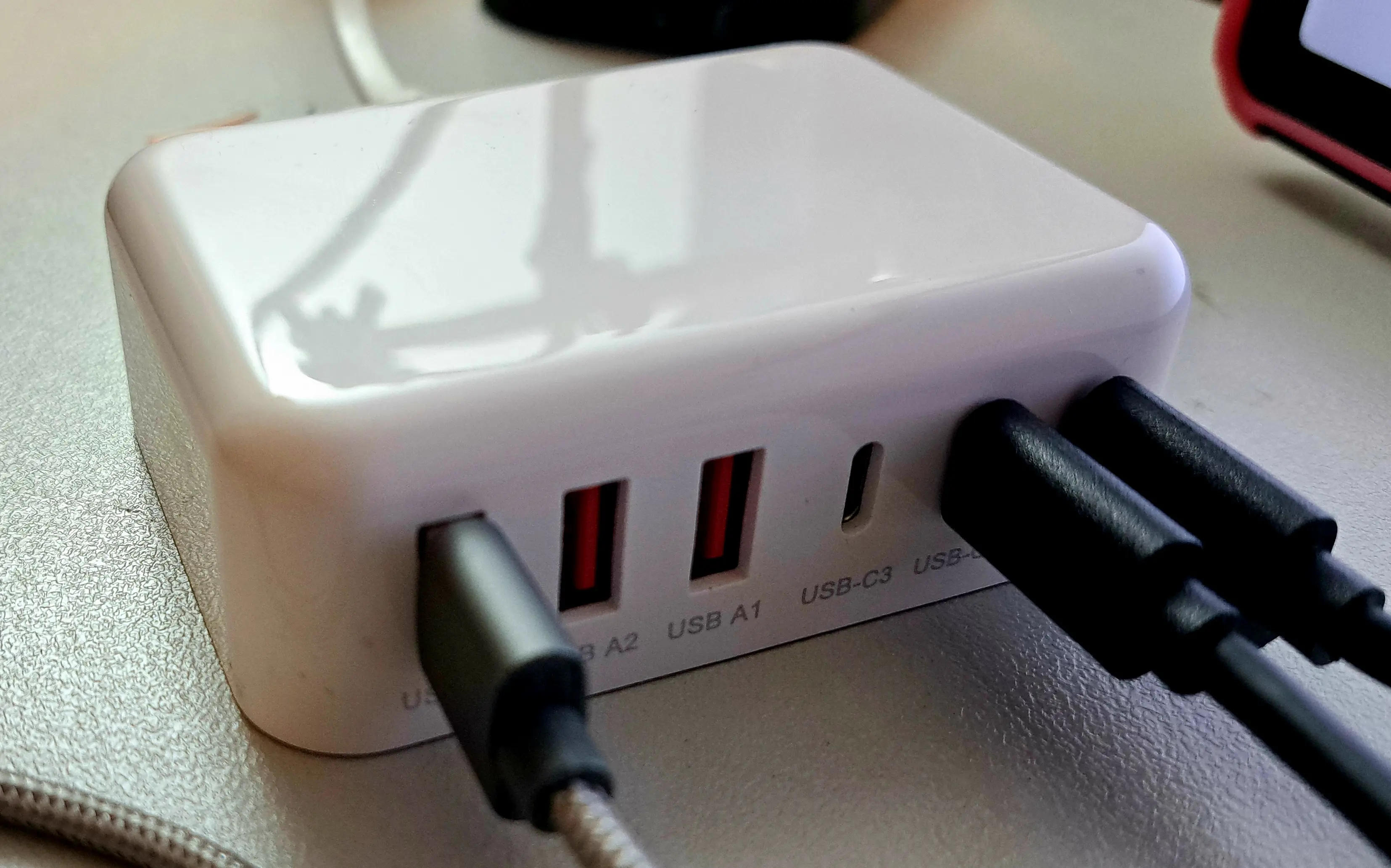
Specifications
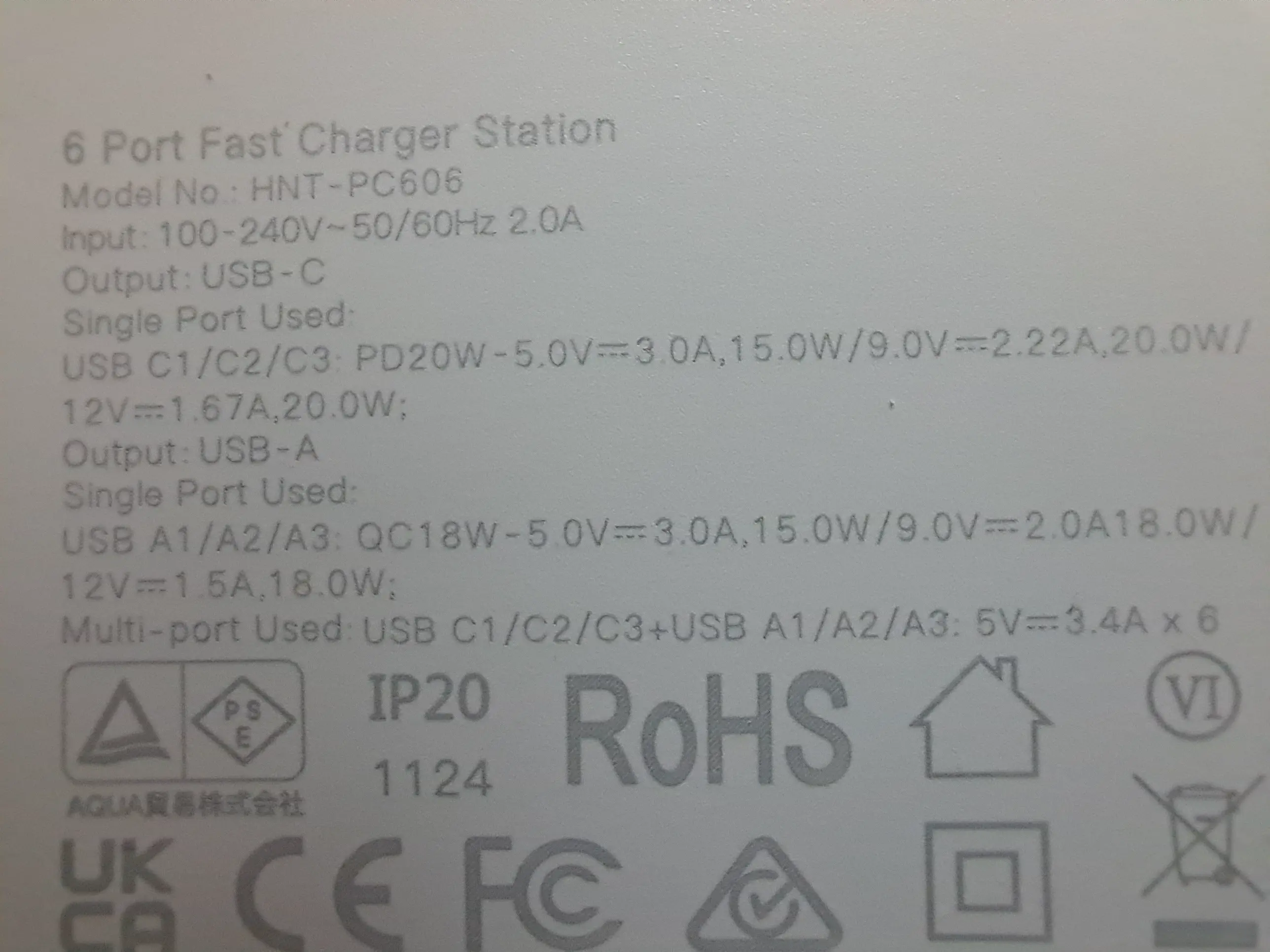
- Three USB-A ports, up to 18 W each
- Three USB-C ports, up to 20 W each
- 100 W total combined output—effectively enough to run all six ports near full power
- Supports USB PD 3.0 and Quick Charge
- Output voltages of 5 V, 9 V, and 12 V (No 20 V support. 20 V is often used for laptop charging; this charger is aimed at lower-power gear)
Benefits
- Each port is managed independently; connecting or disconnecting one device does not affect the others
- Very low idle power consumption
- Each port reliably meets its rated output
- Excellent port count for the price
Downsides
- Not a high-power charger: no 20 V output and a maximum of 20W per port
- Ports can enter sleep mode when PD is not in use and current draw is very low — May be a minor annoyance to breadboarding projects. Saves both your money and the environment. See Sleep Mode for more details on this feature.
Parts Used
- 100W Fast Charger (Amazon)
- 100W 8Ohm resistor (Amazon | AliExpress)
- USB PD Trigger (Amazon | AliExpress)
- USB Power Tester (Amazon | AliExpress)
Idle Power
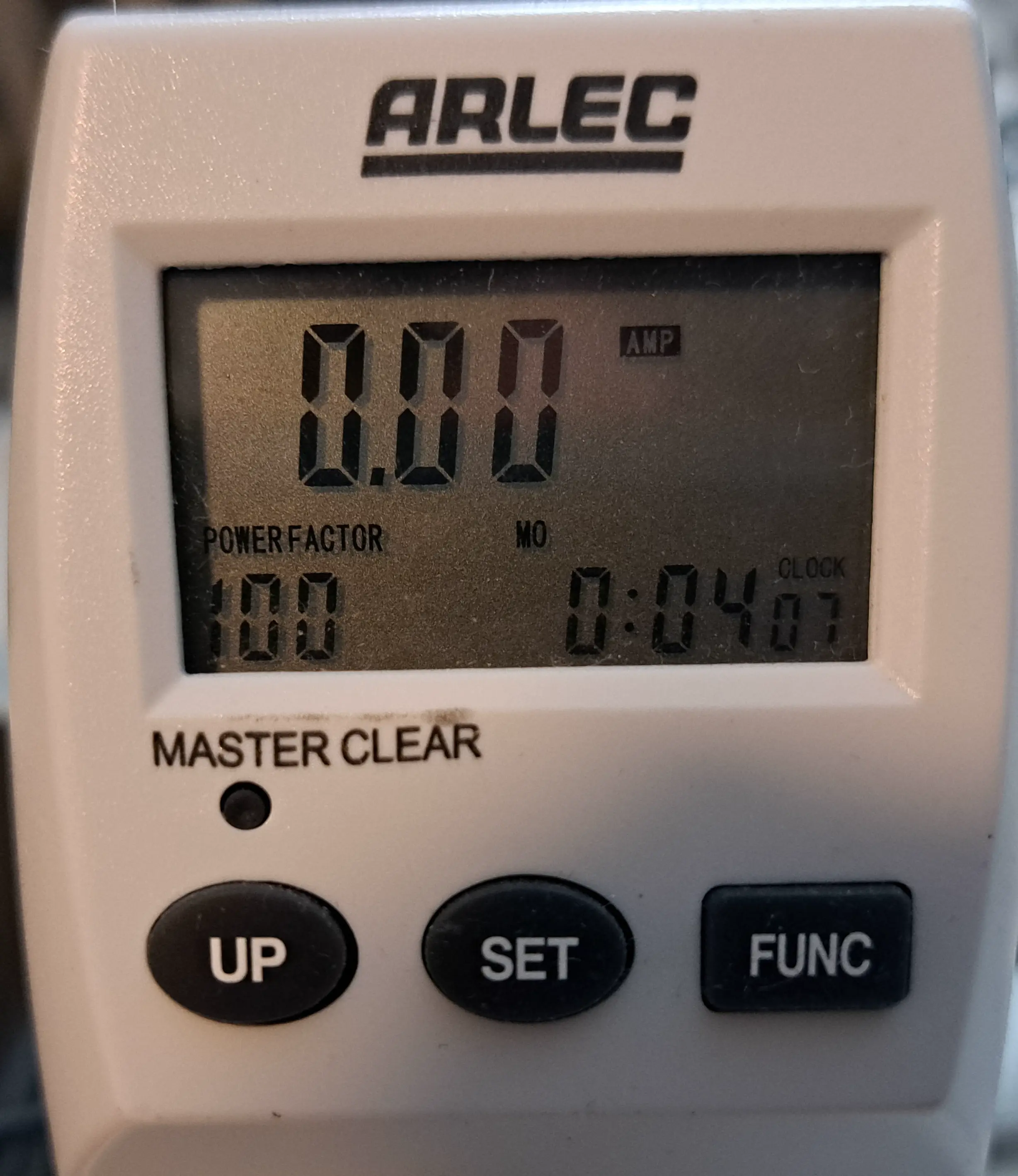
This charger includes a low-power standby feature: when it detects that no devices are drawing power, it enters a sleep mode and reduces wall power consumption to nearly zero:
Sleep Mode
I performed some testing as to exactly how the charger’s sleep mode works.
A small probe voltage is always present on each port, and as soon as the current exceeds a low threshold (around 10 mA), the port fully enables.
As tested with my PD trigger, any PD negotiation will automatically enable the port, so the sleep mode only affects “dumb” 5 V devices that don’t communicate over USB PD.
So In summary, the sleep behaviour is:
- PD negotiation -> Port wakes up
- Current draw above 10mA -> Port wakes up
- Current draw dips below 10mA, and no PD negotiation present, port sleeps after about 10 seconds.
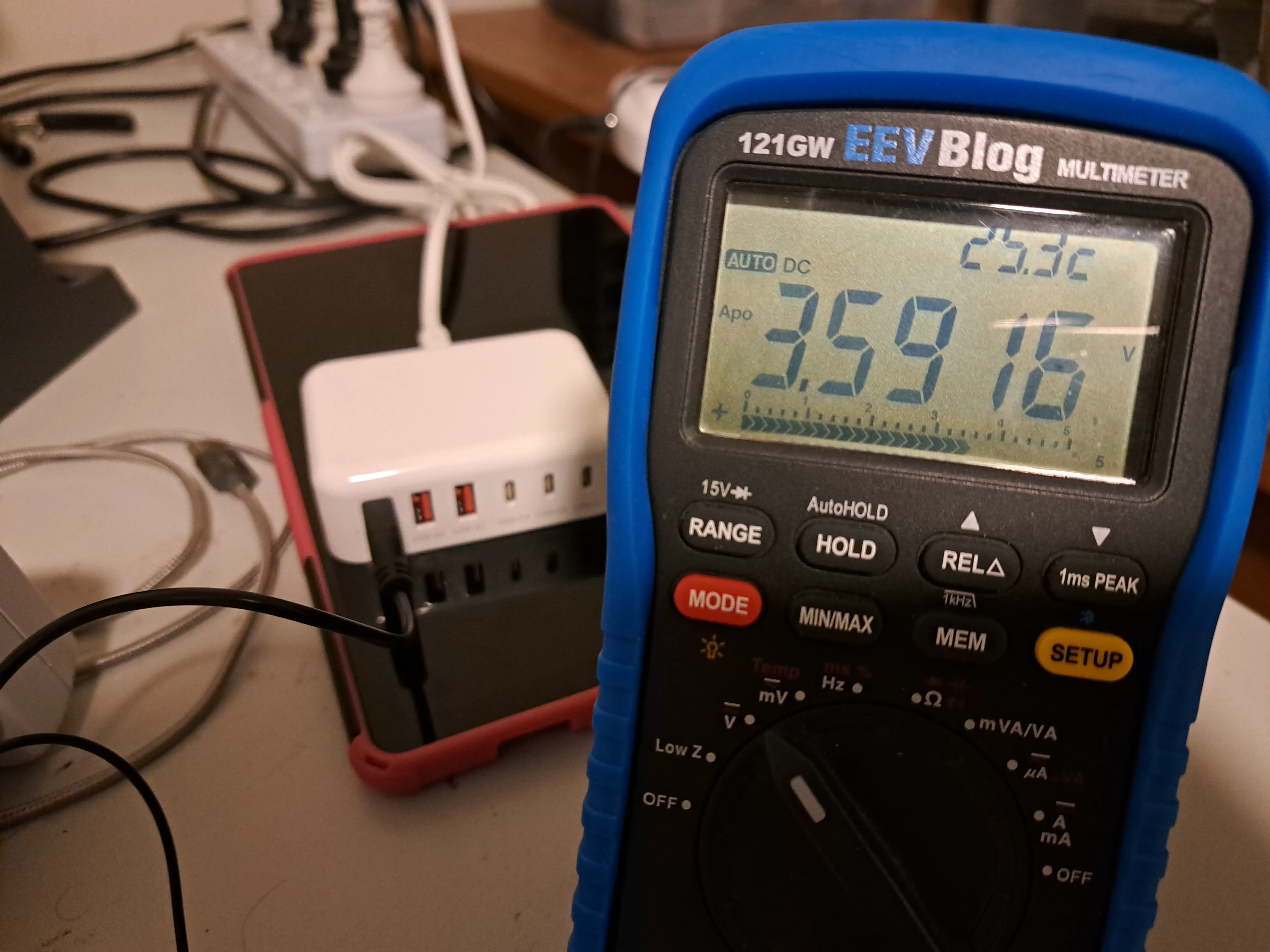
Most devices—phones, tablets, and similar—either negotiate USB PD or draw more than the minimum current, so the port effectively stays on while they are connected. I have seen a port enter sleep mode when very low‑power devices, such as a USB speaker, finish charging, but this hasn’t caused any issues.
I assume this probe voltage is a simple “Is this port in use?” detection scheme designed to reduce overall power waste for dumb devices.
The minimum load required to enable a port appears to be around 220–470 Ω (7–15 mA). If you want to keep a port permanently on for breadboard projects, a small resistor across the power rail will do the trick. Once you unplug your project, the port goes back to sleep—quite convenient.
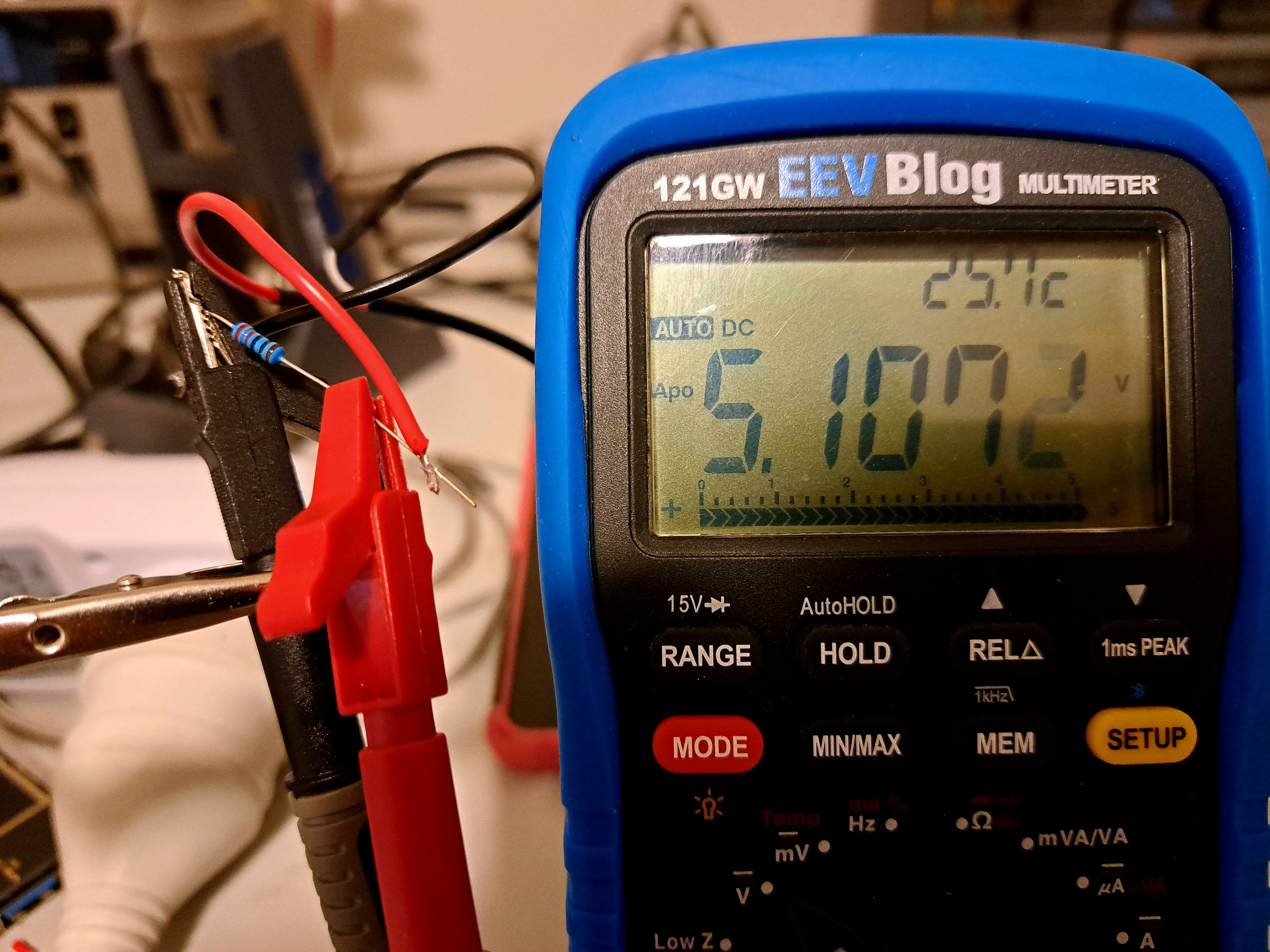
Overall, the sleep mode seems like a useful feature if you don’t keep the charger in constant use, helping reduce unnecessary power draw. For general device charging, there’s no downside. For very small 5 V electronics projects, you may need to provide a modest minimum load to keep the port active.
Output Power Test
I set up a simple test to verify whether the charger can deliver its claimed output power. For this, I used an 8 Ω power resistor as a dummy load. At 12 V, the resistor should draw 1.5 A, resulting in a power draw of 18 W (12 V × 1.5 A), which is essentially the charger’s maximum per-port output.
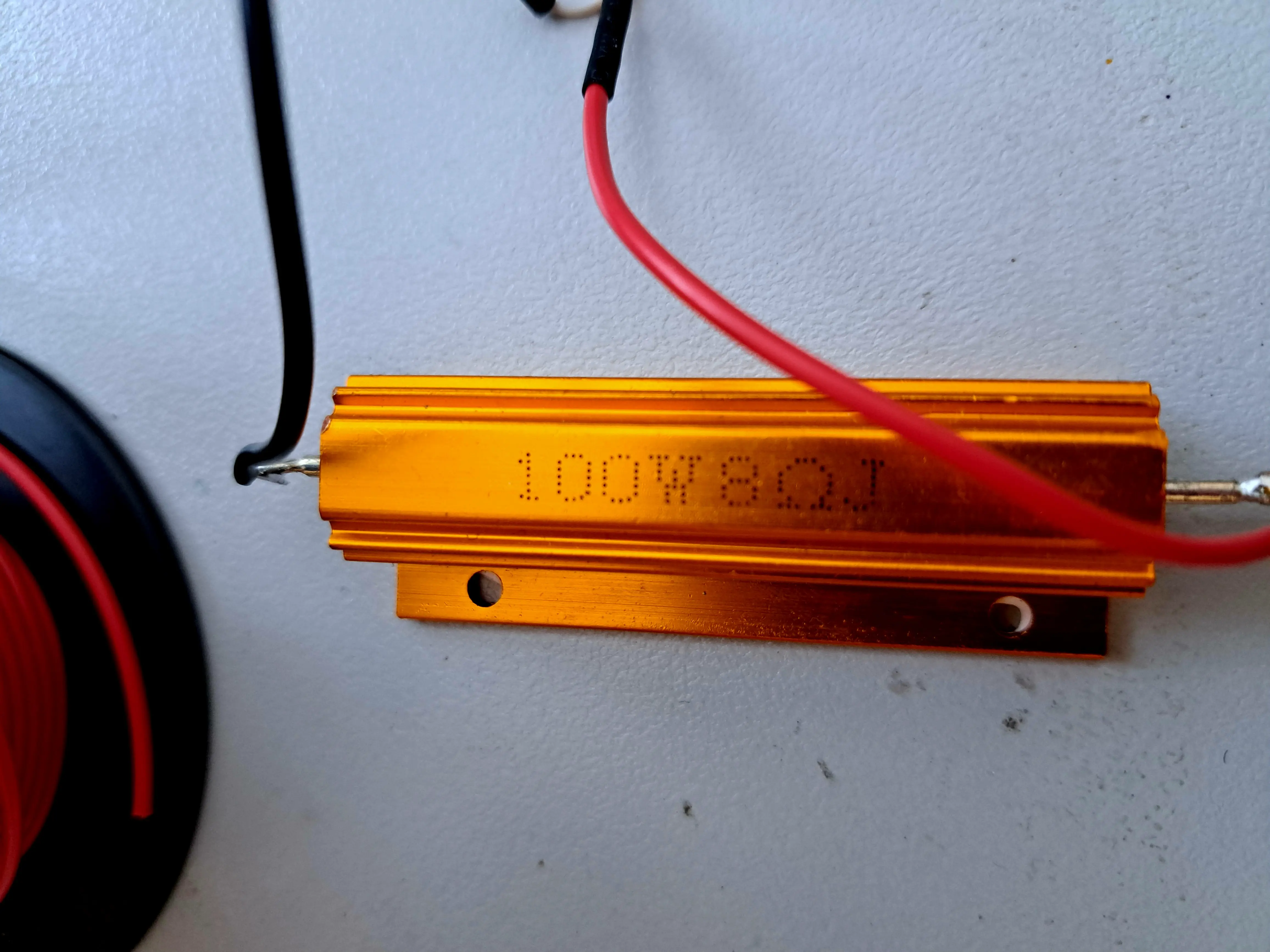
Using a PD trigger, I tested all available voltages—5 V, 9 V, and 12 V—and each was delivered successfully, as confirmed by the USB tester’s voltage readings and measured power into the load.
I then selected the maximum voltage of 12 V, connected the dummy load, and let it run for 30 minutes to check for any heating or voltage drop issues.
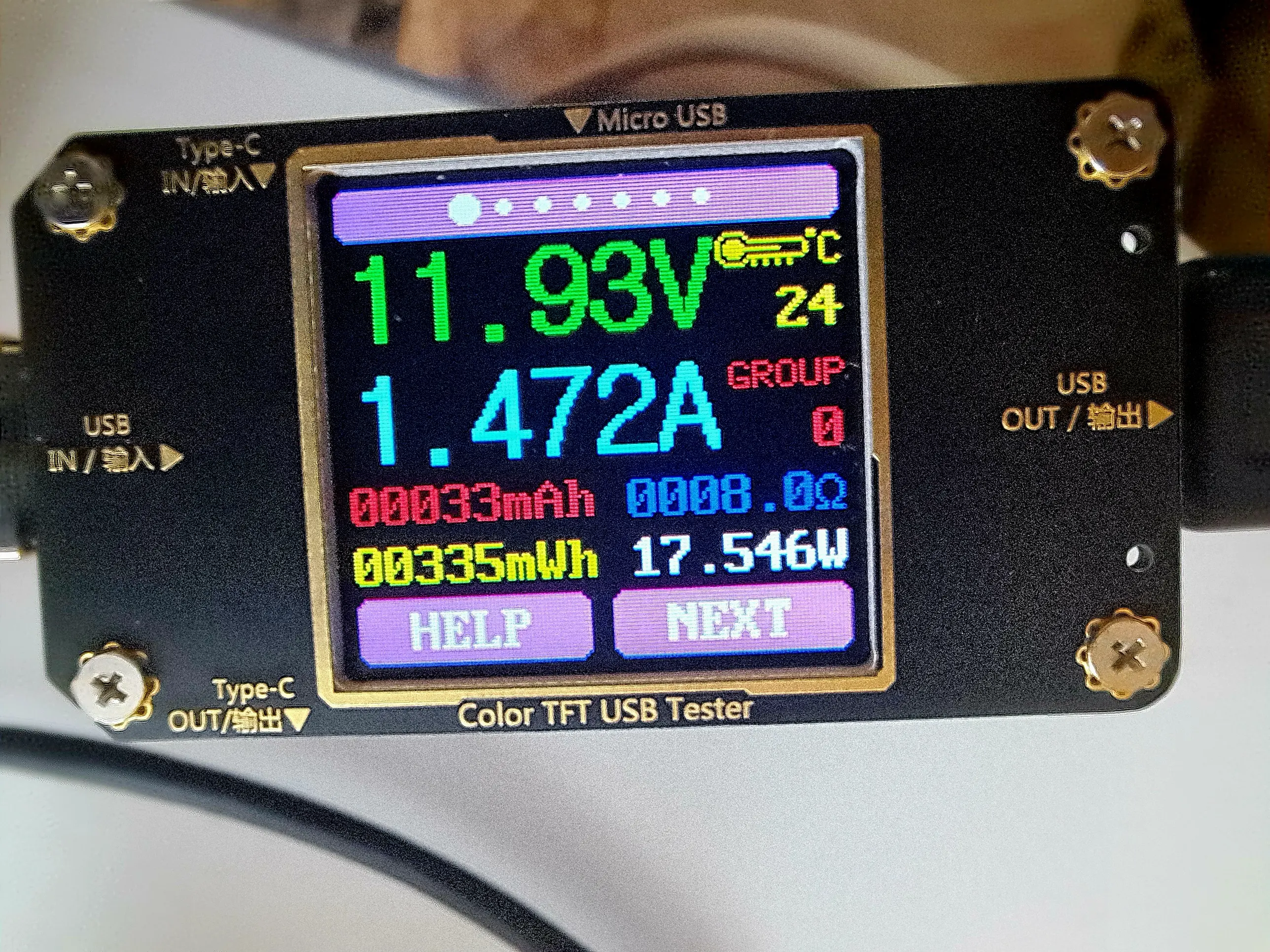
After 30 minutes, the charger remained cool to the touch (the same could not be said for the dummy load), and the output voltage was a stable 11.93 V. That’s less than a 0.1 V drop—impressive performance for such a low-cost device.
Sound
Since some readers were curious, I tested the charger for any annoying sounds at full load by pressing my ear to it. The result? Complete silence—another green tick for this budget-friendly device.
Conclusion
This six-port USB charger appears to offers excellent value for low-power lab and bench use. It provides a high port count with a mix of USB-A and USB-C outputs, reliable per-port power delivery up to 20 W, and efficient power management with very low idle consumption. While I haven’t comprehensively tested all ports at their maximum output simultaneously, charging two tablets and a phone at the same time showed Rapid Charging active on all devices, and the charger remained cool to the touch.
Testing also confirmed it can sustain near-maximum per-port output without overheating or significant voltage drop. Although it lacks 20 V support for high-power devices, it’s a solid, inexpensive option for charging and powering multiple medium sized USB devices simultaneously.
 Silicon Junction
Leave a comment